




19
November
2024
How to connect Google Analytics, Google Tag Manager and Google Search Console to your site
Effective data analysis – the key to the success of any web project. Google tools like Google Analytics, Google Tag Manager and Google Search Console allow you to collect, analyze and use data to improve your website. In this article, we'll look at how to connect each of these services step-by-step.
1. Connecting Google Analytics
Google Analytics helps you track user behavior on your site: how much time they spend on pages, where they come from, and how they interact with content.
Steps to connect:
- Go to Google Analytics and sign in to your Google account.
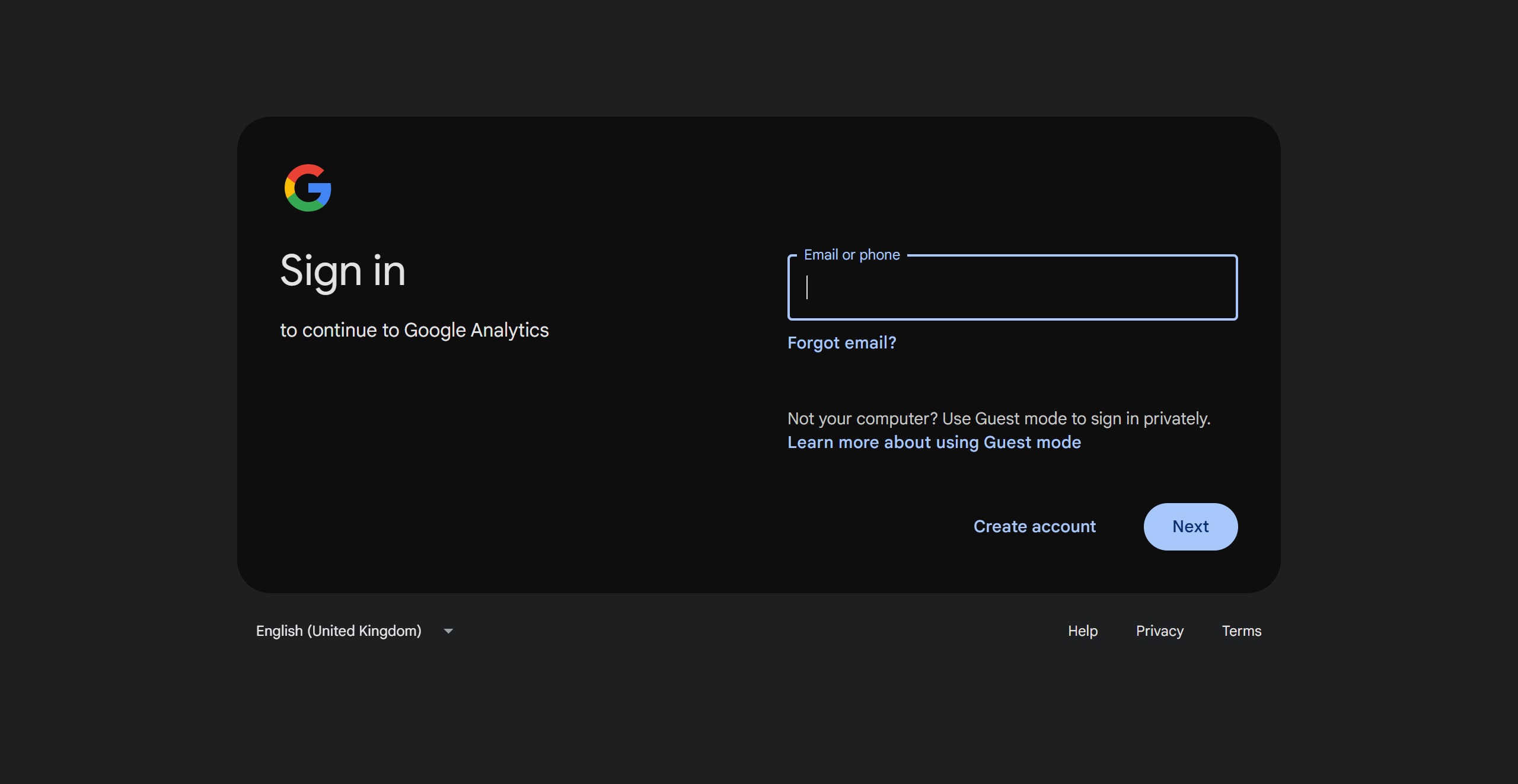
- Create a new account or add a new resource by entering the name, site URL and other details.

- Select GA4 (the latest version of Analytics).
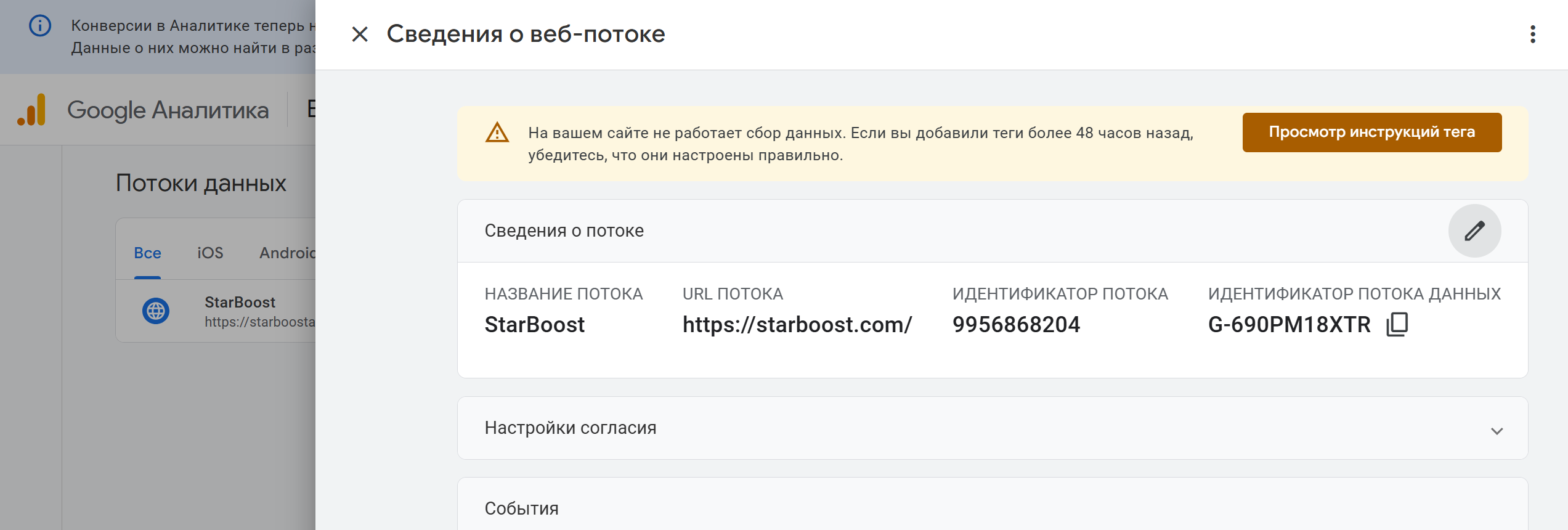
- Copy the provided tracking script.
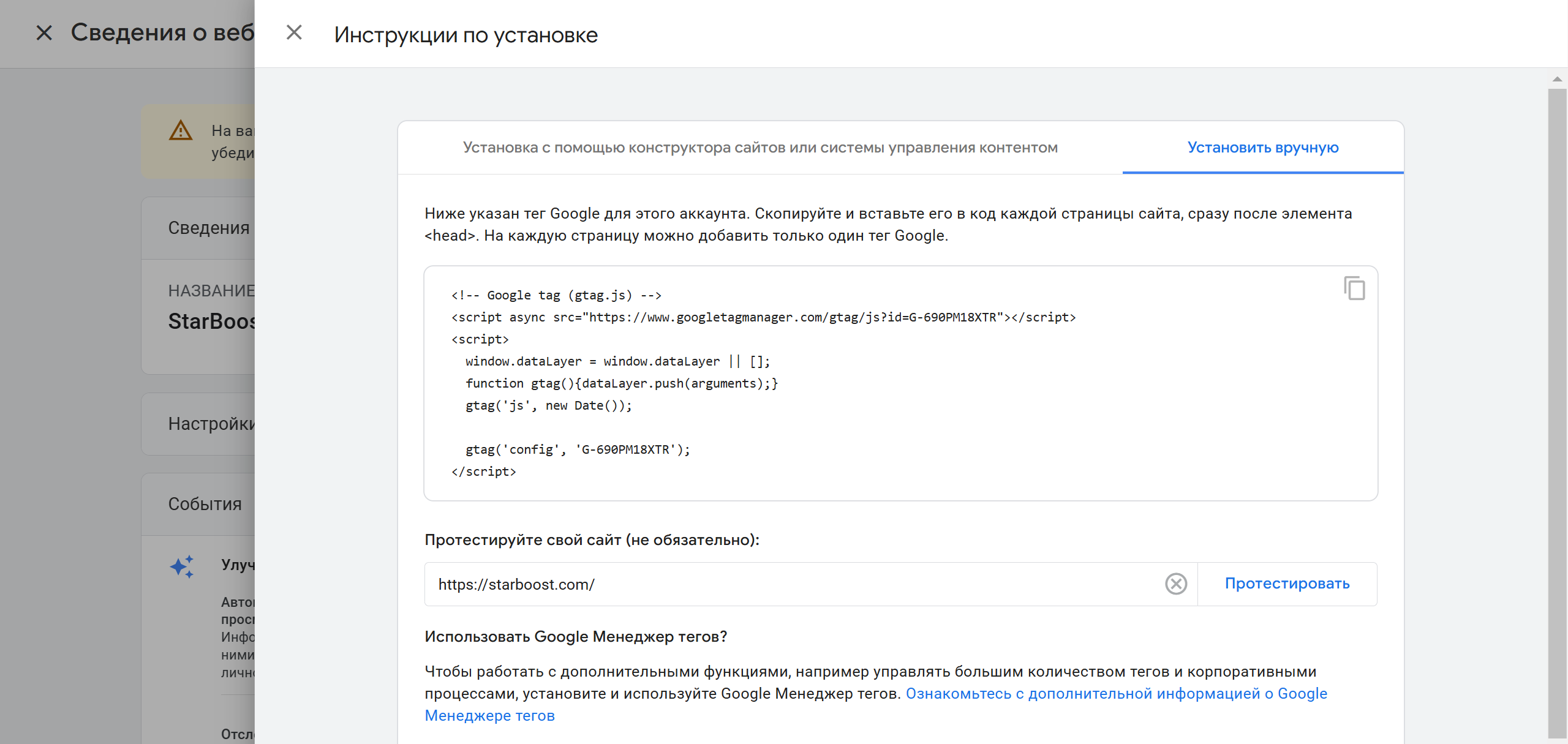
- Paste it into the
<head>section of your site or use Google Tag Manager (see below).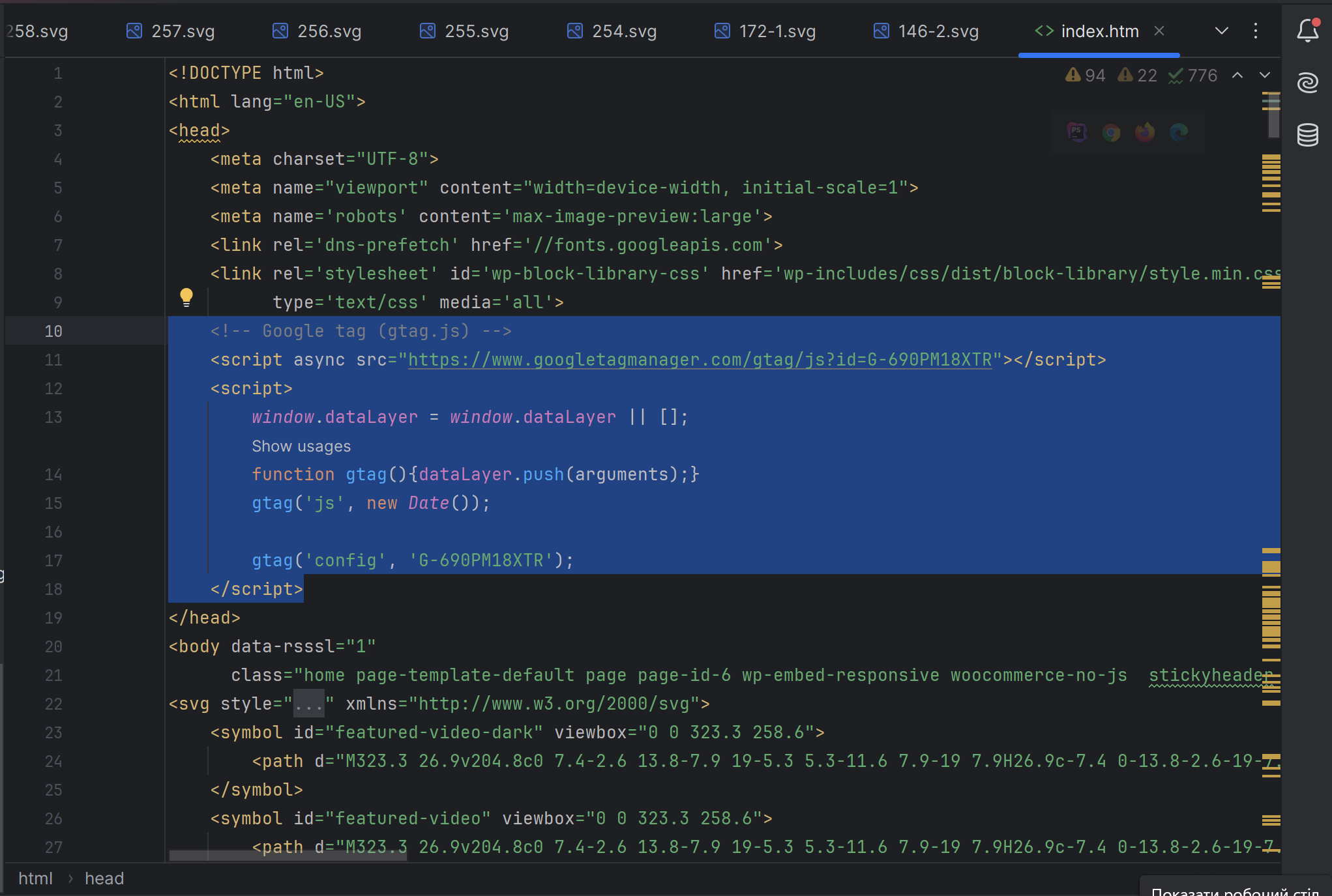
2. Customizing Google Tag Manager
Google Tag Manager (GTM) allows you to manage tags and tracking codes without editing site code, making it easier to integrate third-party tools.
Customization Steps:
- Go to Google Tag Manager and log in to your account.
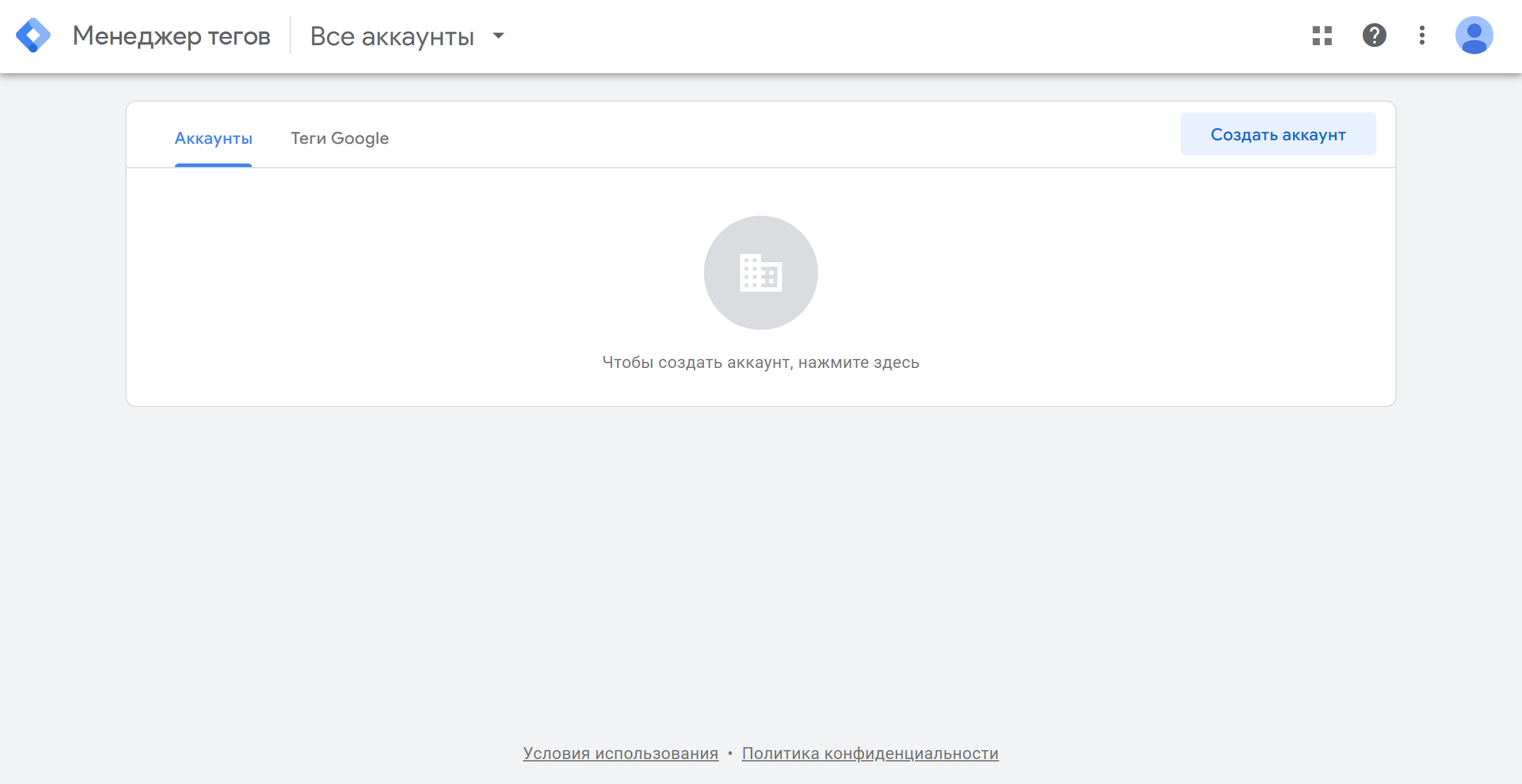
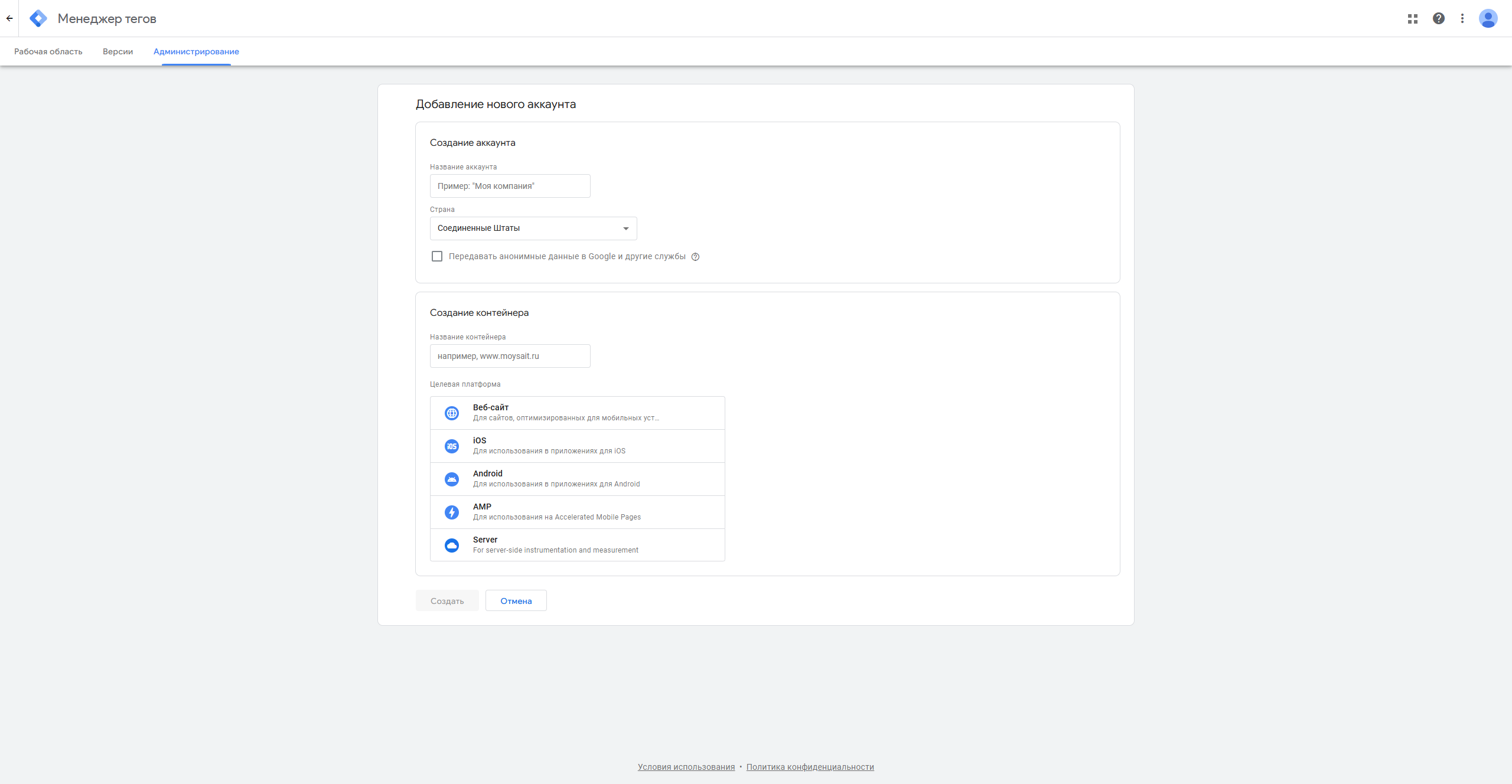
- Create a container by specifying a name and type (e.g. «Website»).
- Copy the two code snippets (one for
<head>and one for<body>) provided by GTM and paste them into the appropriate parts of your site.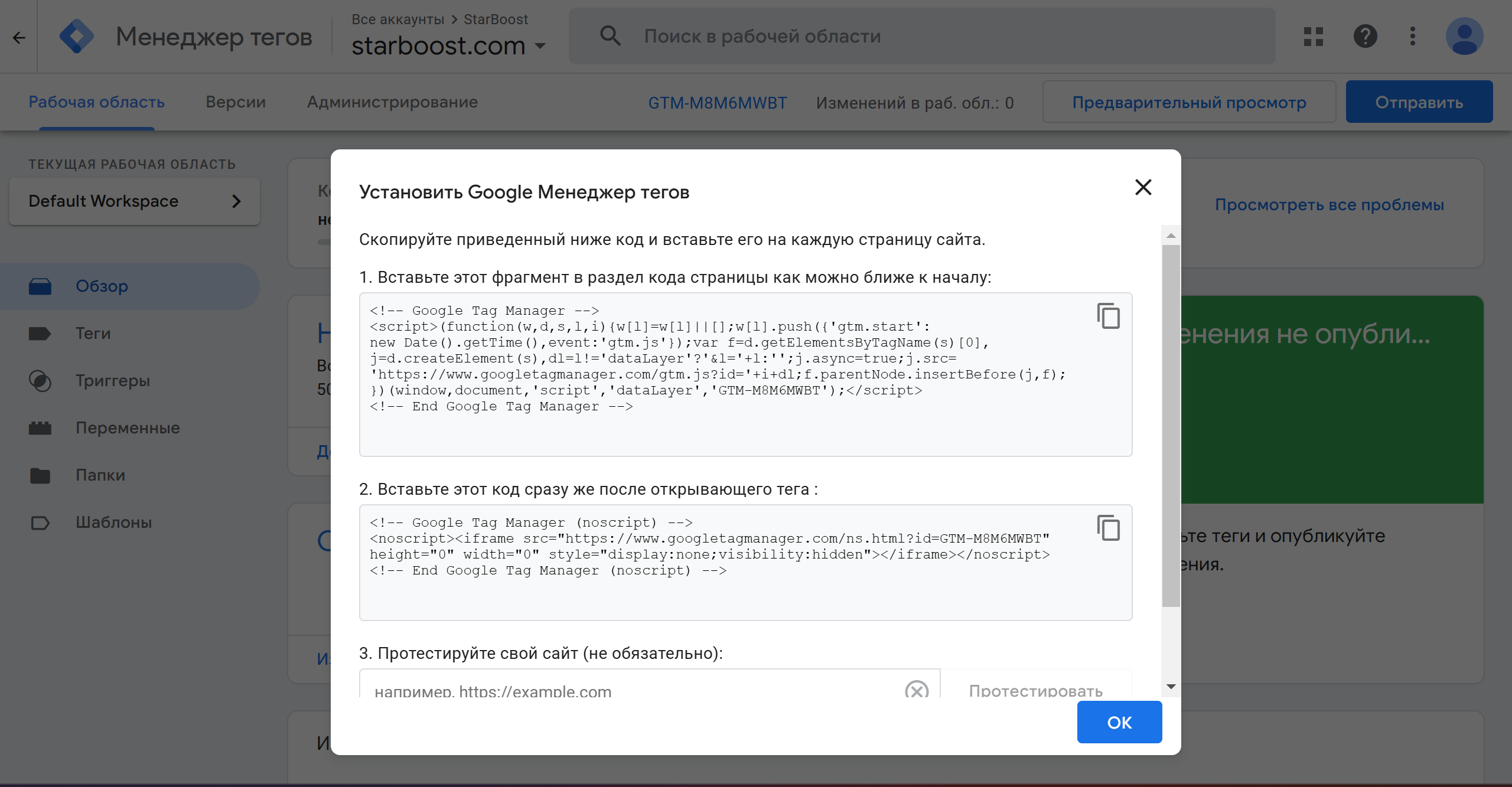
- Add a Google Analytics tag:
- Open your container in GTM.
- Click «Add Tag» and select Google Analytics: GA4.
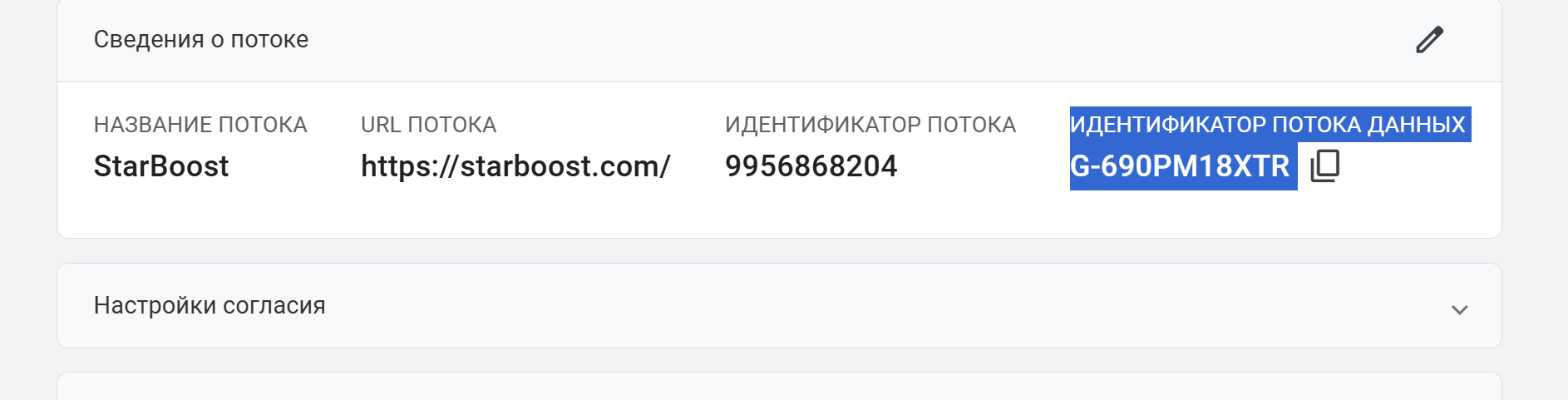
- Specify a Measurement ID that can be found in GA4.
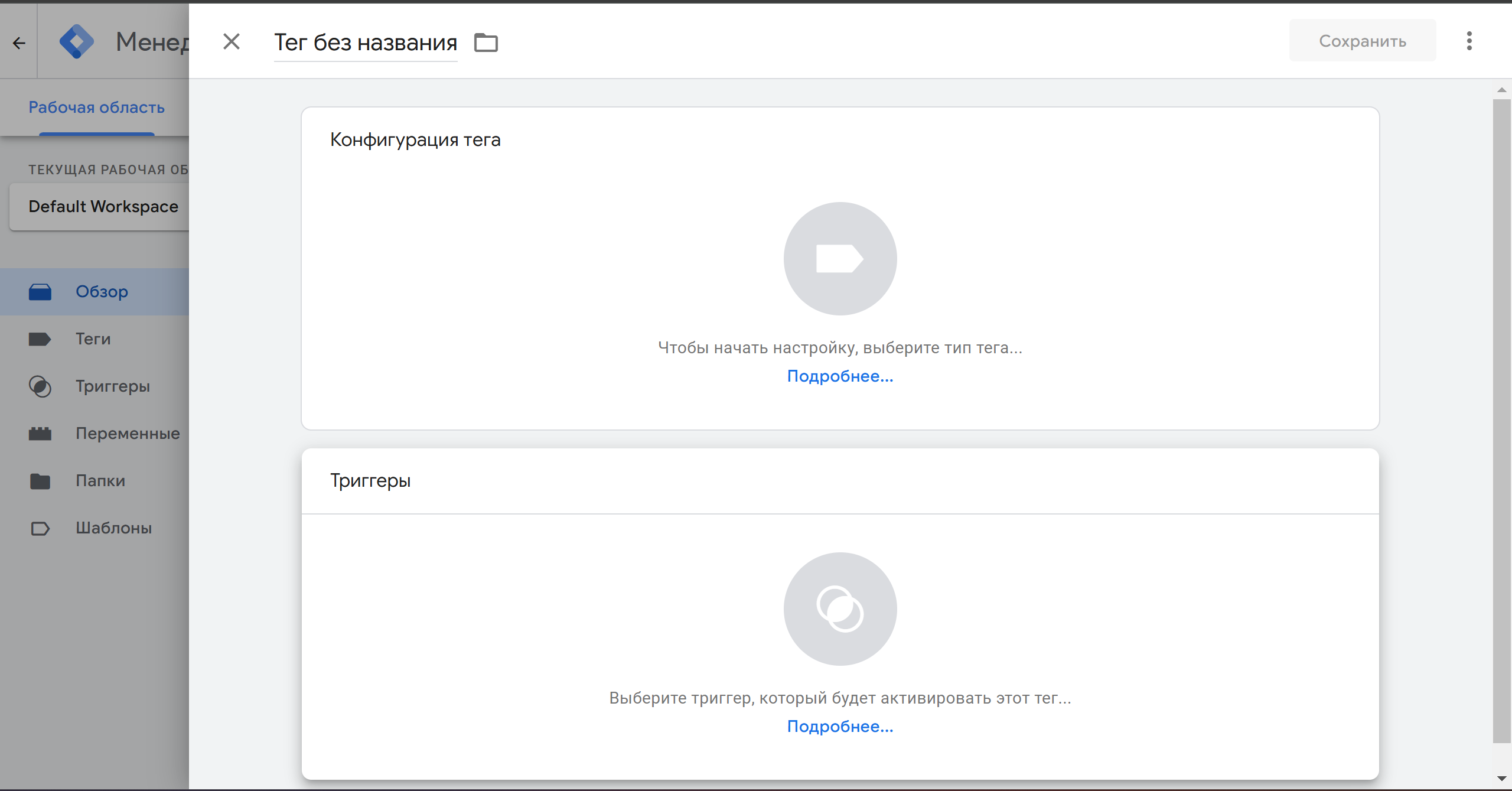
- Set a trigger to trigger the tag (e.g. «All Pages»).
- Publish your changes.
3. Connect Google Search Console
Search Console allows you to monitor your site's visibility in Google searches and identify indexing errors.
Steps to connect:
- Go to Google Search Console and log in to your account.
- Click «Add Resource» and select the type:
- Domain: requires adding a DNS record.
- URL prefix: requires confirmation via a file or meta tag.
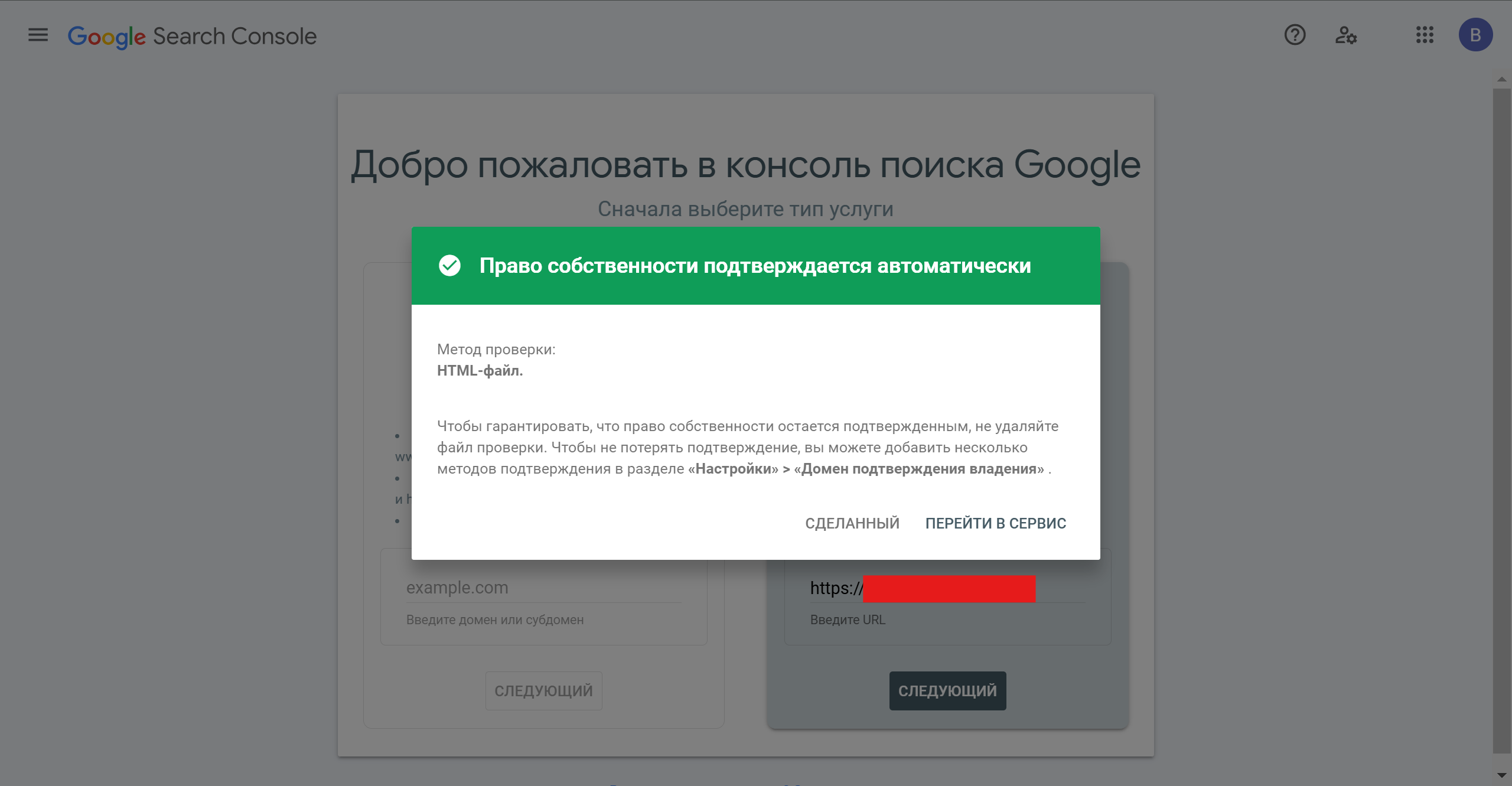
- To confirm site ownership:
- Select a method, such as uploading an HTML file to the site's server.
- Download the file, upload it to the root directory, and confirm.
- After successful confirmation, data will begin to be collected within 48 hours.
Linking Tools
For more accurate analysis, combine data from these services:
- The integration of Google Analytics and Search Console will allow you to study search queries leading to your site.
- Google Tag Manager makes it easy to manage the codes associated with GA and other tools.
The integration of Google Analytics, Google Tag Manager and Google Search Console – is the foundation for building an effective marketing strategy. These tools not only provide valuable user information, but also help you quickly adapt your site to changing conditions. Follow our instructions and your website will become even more effective!"
Any questions? Contact the Marketing Mix team – we can help you set up your analytics quickly and professionally.
.
 DUNS Number: 68-606-2061
 NCAGE Number: A3G3J






 "INNOVA CONSULTING GROUP"


Comments
Write comment