



How to Register a Telegram Bot in BotFather

20
August
2024
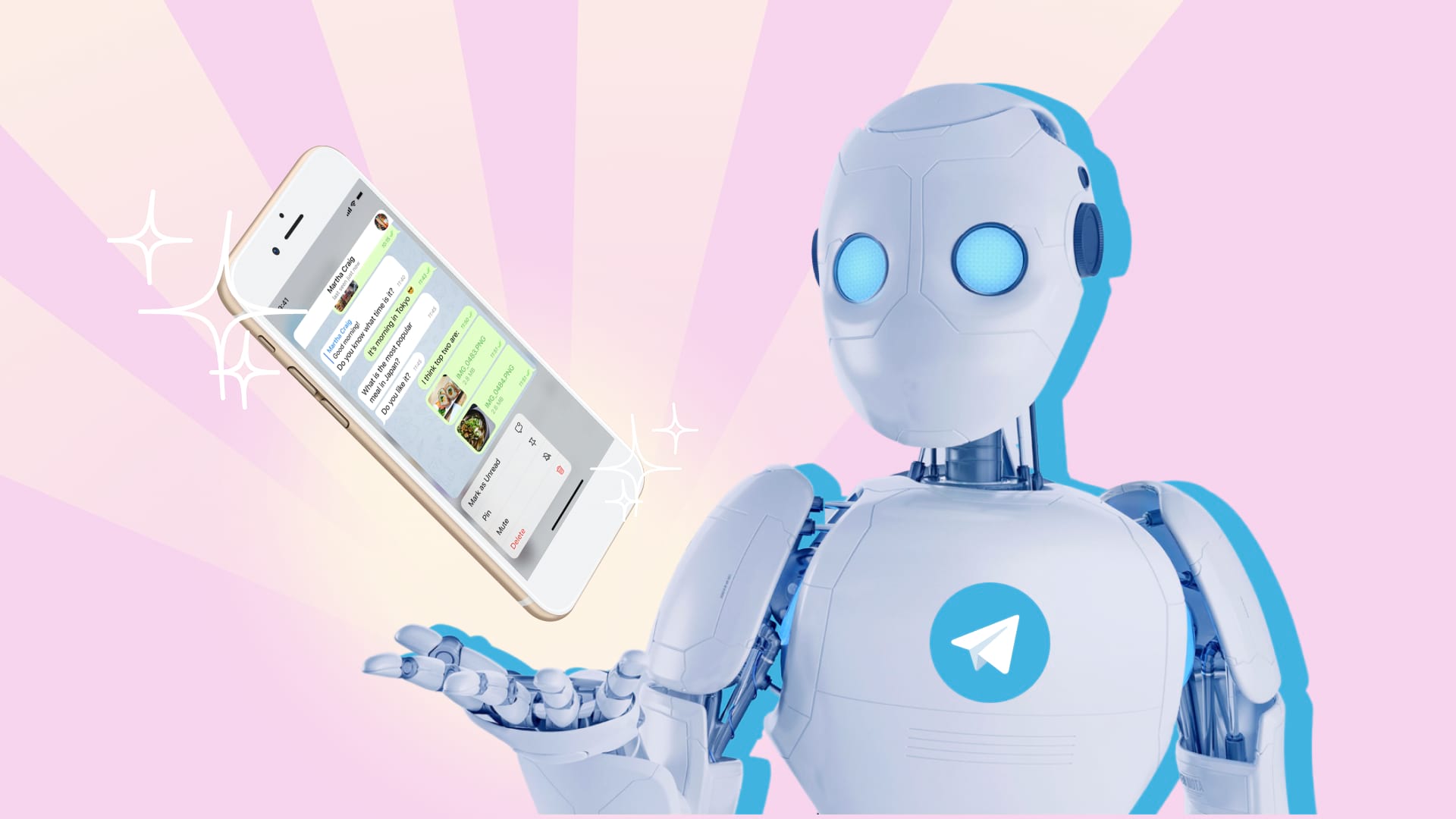
To register a Telegram bot, open @BotFather, send /newbot, then set a name and a username ending in bot. BotFather replies with an API token, the key a program uses to control the bot. Registration takes about five minutes.
In short
- BotFather is Telegram’s official bot with a blue check mark for creating and managing bots.
- Bot username: 5–32 characters, Latin letters, digits and underscores, ending in bot.
- The API token gives full control of the bot, so treat it like a password.
- Set the description, commands and avatar with /setdescription, /setcommands, /setuserpic.
- Registration creates an empty bot; a developer builds the logic, server and integrations.
Step 1. How do you find BotFather?
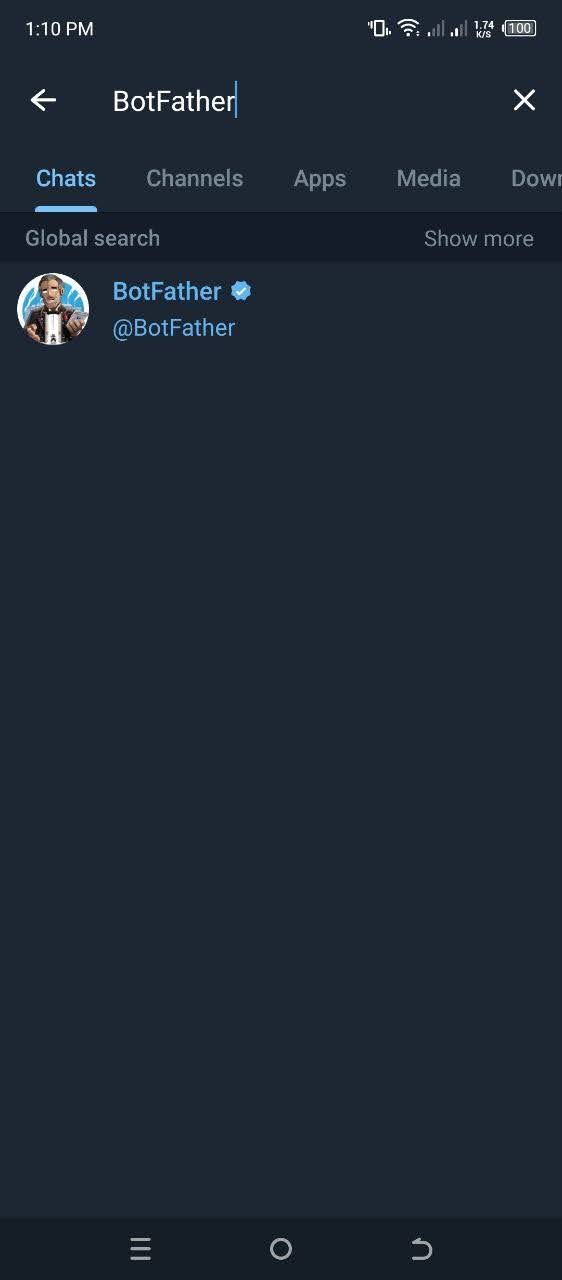
Open Telegram on your phone, desktop or the web version. Search for BotFather and choose @BotFather with the blue verification check mark. It is Telegram’s official tool for creating and managing bots.
Step 2. How do you start BotFather?
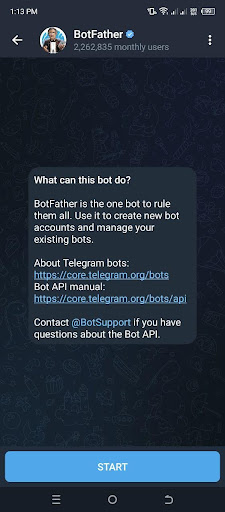
Tap Start in the chat with BotFather. It replies with a list of commands for creating and configuring bots.
Step 3. How do you create a new bot?
- Send the /newbot command.
- Enter the bot’s name. Users see it in the profile and chat list; it can use any alphabet and be changed later.
- Enter a username, the bot’s unique address. Rules: 5–32 characters, Latin letters, digits and underscores, ending in bot. For example, WeatherHelperBot or weather_helper_bot.
- If the username is taken, BotFather asks for another. Add a word or digits.
Step 4. What do you do with the API token?
After registration, BotFather sends a link to the bot in the t.me/bot_name format and an API token. The token is the key a server uses to send and receive messages on the bot’s behalf.
- Store the token in a password manager or in server environment variables.
- Share it with your developer over a secure channel, never in chats or screenshots.
- If the token leaks, open /mybots → your bot → API Token → Revoke current token. The old token stops working.
Step 5. How do you set the description, commands and avatar?
| Command | What it does |
|---|---|
| /setdescription | text a person sees in the empty chat before the first message |
| /setabouttext | short text in the bot’s profile |
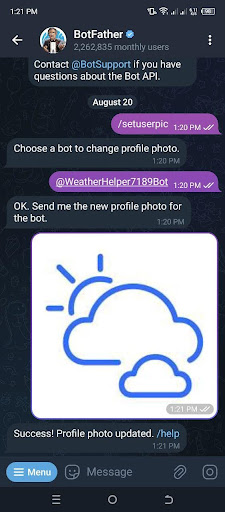
| /setuserpic | the bot’s avatar |
| /setcommands | the command menu, such as /start, /help, /price |
| /setprivacy | privacy mode in groups |
| /mybots | your bots and all settings as buttons |
Step 6. How do you find the new bot?
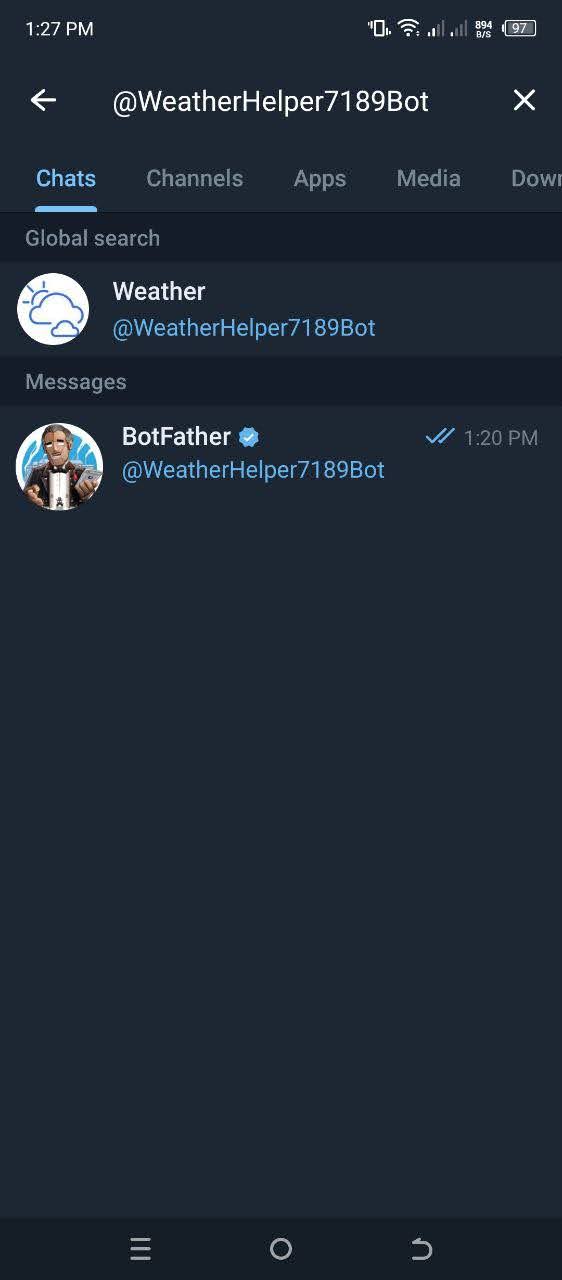
Search for the bot’s @username in Telegram or open t.me/username. The bot appears, but it will not reply to messages yet.
What does a bot need to start working?
BotFather creates the bot account. The bot replies only when a program is connected to its token:
- A server or cloud. The program receives messages through the Telegram Bot API, by webhook or polling.
- Scenarios. Menus, buttons, lead capture, bookings, payments.
- Integrations. A CRM (KeyCRM, HubSpot, Pipedrive), Google Sheets, your website, n8n or Make automations.
- AI. Answers to customer questions through the OpenAI, Claude or Gemini API with the company’s knowledge base.
- Payments. Digital goods and services inside Telegram are paid with Telegram Stars; physical goods go through connected payment providers.
If the bot needs a full interface with a catalogue and cart, the answer is a Telegram Mini App, a web app inside Telegram.
Which bots do businesses order most often?
- Lead capture. The bot asks 3–4 questions and passes the lead to a manager and the CRM.
- Bookings. Choice of service, specialist and time, with a reminder the day before.
- FAQ answers. An AI assistant answers from a knowledge base and calls a manager for complex questions.
- Notifications. Order status, Nova Poshta waybill numbers, payment reminders.
- Internal bots. Morning reports from the CRM and GA4 for the manager.
How do you hand a bot over to a developer or company?
It is easiest to register the bot from a company account from the start. /mybots → Bot Settings includes transferring ownership to another account; Telegram may require two-step verification. A developer only needs the token to work.
FAQ
How much does it cost to register a bot in BotFather?
Registration is free. Costs come from building the logic, the server and integrations.
What are the username requirements?
5 to 32 characters, Latin letters, digits and underscores. The username must end in bot.
What if the bot token leaks?
In BotFather open /mybots → your bot → API Token → Revoke current token. Give the new token to your developer.
Why doesn’t the bot reply after registration?
No program on a server is connected to the token yet. BotFather only creates the bot account.
Can I rename the bot after creating it?
The name can be changed with /setname at any time. Choose the final username from the start, since every link to the bot is built on it.
Bot registered but no logic yet? Tell us what it should do, from leads and bookings to AI answers or payments, and we will propose a scenario and timing.
Discuss a chatbotTelegramWhatsApp
Contact us
We will answer all your questions.
 DUNS Number: 68-606-2061
 NCAGE Number: A3G3J






 "INNOVA CONSULTING GROUP"


Comments
Write comment