


What is website layout coding, and how do you check it?

27
October
2020
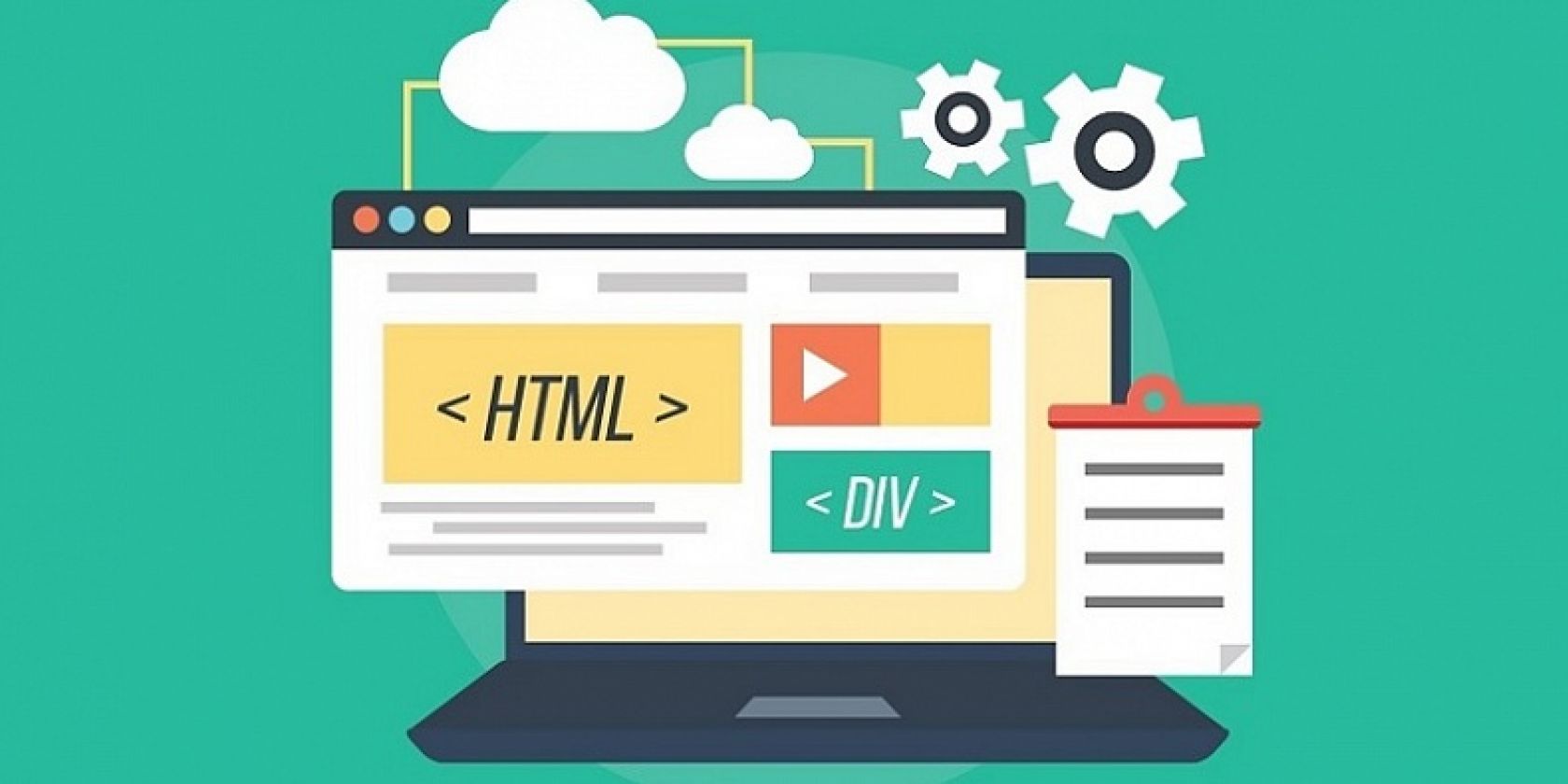
Website layout coding turns a design mockup into code a browser can render. HTML defines the structure and meaning of the content, CSS controls appearance and positioning, and JavaScript adds interactive behaviour.
In short
- Layout coding turns a mockup into working pages built with HTML and CSS.
- Modern layouts rely on Flexbox and Grid; tables are kept for tabular data.
- Test responsive layouts with real copy, at 360–1440 px widths and with enlarged text.
- Accept the work against a checklist: headings, forms, keyboard use, speed, empty and long data.
- We launch a coded landing page within 3 working days and a website within 10 working days after the brief and materials.
What does layout coding include?
A front-end developer takes the Figma mockup and builds page templates from it. The work covers HTML markup, CSS styles, fonts and icons, responsive behaviour and basic interactive parts: menu, tabs, slider, modal window. The templates are then connected to a CMS such as WordPress or MODX, or to a Next.js front end, so an editor can change copy without a developer.
Semantics matter for search and accessibility. One H1 per page, logical H2–H3, lists marked up as lists, buttons as buttons. Search engines and AI assistants read exactly this structure. So do screen readers.
How elements are positioned: Flexbox, Grid and normal flow
CSS offers normal document flow, Flexbox and Grid. Flexbox suits items along one axis: a row of buttons, menu items, a card with an icon and text. Grid defines rows and columns: a catalogue, a gallery, the layout of a whole page.
Table-based page layout is a historical approach. HTML tables are for tabular data with headers and clear relationships between cells. Email templates follow their own rules: mail clients support CSS only partly, so emails are coded separately and tested in several clients.
What is responsive layout?
A responsive layout adapts to the available width, text size and content. It uses media queries, flexible units (%, rem, clamp) and images with srcset and sizes. In 2026 most visitors to business websites arrive on smartphones, so the mobile version is checked first.
Speed is a separate topic. Heavy images without dimensions, fonts without font-display and unnecessary scripts hurt Core Web Vitals, which Google uses in ranking. More on this in our article on website speed and SEO.
What to check when accepting layout work
- Headings form a clear outline, the page has one H1, form fields have labels.
- The page works on narrow and wide screens and survives 200% zoom.
- Buttons and links are reachable by keyboard, focus is visible, text contrast is sufficient.
- Long names, empty blocks and form errors display correctly.
- Images keep their proportions and each has alt text in the page language.
- The browser console shows no errors and PageSpeed Insights reports no layout shifts.
Test the layout with real content. Short placeholder copy hides problems a live catalogue will expose. A long product name easily breaks a card designed for three words.
Common layout mistakes
| Mistake | Why it hurts |
|---|---|
| Several H1s, or headings used just for font size | Search engines and AI assistants read the topic less clearly |
| A button built from a div with no role or focus | Keyboard and screen reader users cannot submit the form |
| Images without width and height | The page jumps while loading and CLS grows |
| Fixed-width blocks | Horizontal scrolling appears on phones |
| Text baked into images | It cannot be translated, searched or read aloud |
What the client should receive
Agree on supported browsers and on the list of pages and states: empty cart, form error, 404 page. Include source files and notes on how the templates connect to the CMS. Ask for a short editor guide: where to add a new service page and how to replace images.
How long does layout coding take?
It depends on the number of unique templates and how finished the design is. In our experience we launch a coded landing page with a working form within 3 working days, and a brochure or corporate website within 10 working days after the brief is agreed and materials arrive. Projects with integrations are estimated after the brief. See the stages on our website development page.
Frequently asked questions
How is layout coding different from programming?
Layout coding handles how the page looks and how it is structured: HTML and CSS. Programming adds logic such as user accounts, a cart or data exchange with a CRM or payment provider. Most projects need both.
What does cross-browser layout mean?
The page works the same in current Chrome, Safari, Firefox and Edge, on Android and iOS. Put the list of browsers and versions in the brief so acceptance follows clear rules.
Do I need layout coding if the site runs on WordPress?
Yes. A ready-made theme is also layout code and usually needs changes for your content. A custom design is coded from scratch and connected to WordPress or MODX as your own theme.
How can I check layout quality myself?
Open the site on a phone and a laptop, zoom to 200% and move through the form with the Tab key. Run PageSpeed Insights and look at the accessibility section. That catches most of the obvious problems.
Does layout affect SEO?
Yes, through heading structure, loading speed, the mobile version and how accessible the text is for indexing. Clean semantic markup makes the work of search engines and AI search easier.
Need a website or landing page with clean layout?
Describe the task and send a mockup or an example. We will estimate scope and timing: a landing page within 3 working days, a website within 10 working days after the brief and materials.
Send a requestTelegramWhatsApp
Related reading and services
Sources
Contact us
We will answer all your questions.
 DUNS Number: 68-606-2061
 NCAGE Number: A3G3J






 "INNOVA CONSULTING GROUP"


Comments
Write comment